Exploring EarthWonders
Come for a specimen, stay for the stories behind it. Here are the places to explore minerals, meet the community, and keep up with what's new.
Last updated
Species pages and Market Data
Species helps you explore a mineral; Market data helps you understand its price history.
- 1
Start with a mineral species
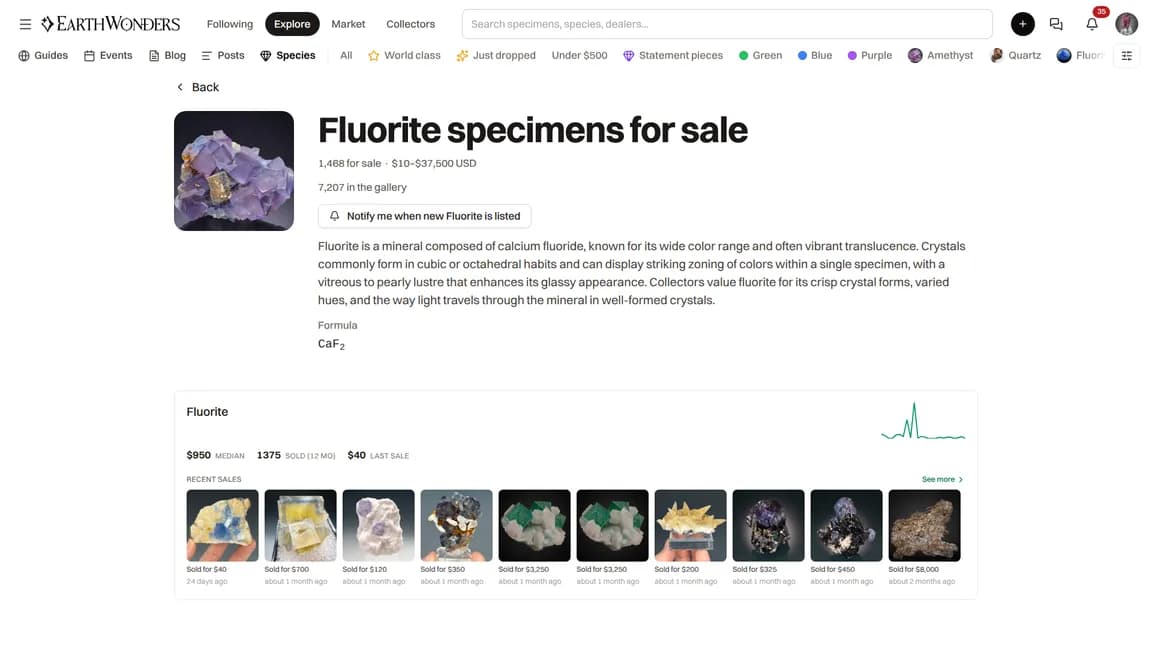
Open Species and choose a mineral. Its page brings together a description, mineral facts where available, specimens in the gallery, localities, and related guides. When there are live listings, you also see specimens for sale, a listing count, and the current asking-price range in USD.
- 2
Put prices in context with Market data
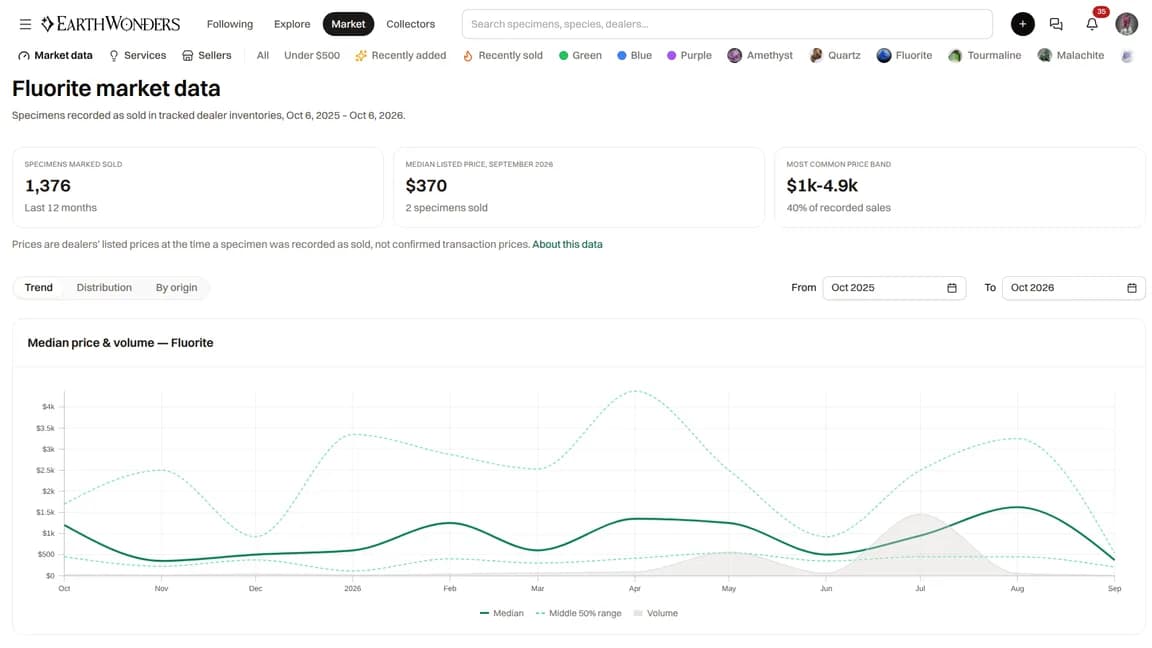
Open Market data and choose a species and date range to explore price bands, monthly trends, and localities. The historical figures are dealers' listed prices for specimens marked sold, not verified amounts buyers paid. They are different from the asking prices on today's live listings.
The collectors map
Open the collectors map, zoom in, and select a marker to discover collectors at that location. The map also shows events; selecting an event lets you explore its participants.
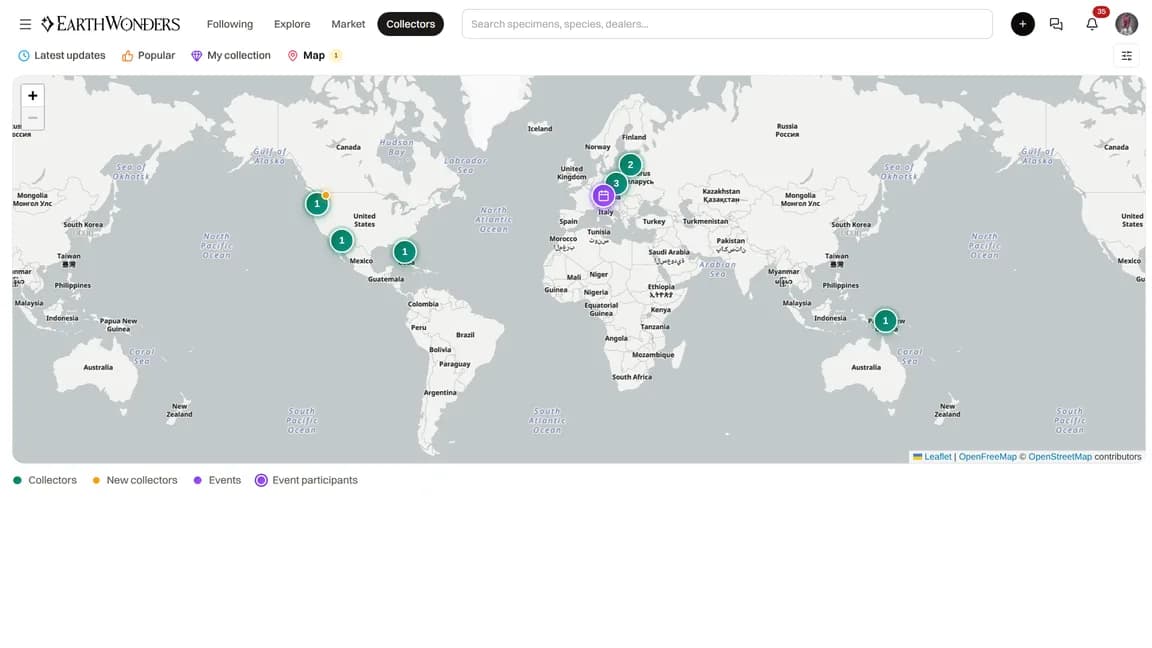
Your collector marker uses the location you select from the suggestions in Edit Profile → Location. You also need a published, public, non-anonymous collection specimen that is not currently listed for sale or reserved. A location alone is not enough. To remove your collector marker, clear Location and let the profile save.
Events and services
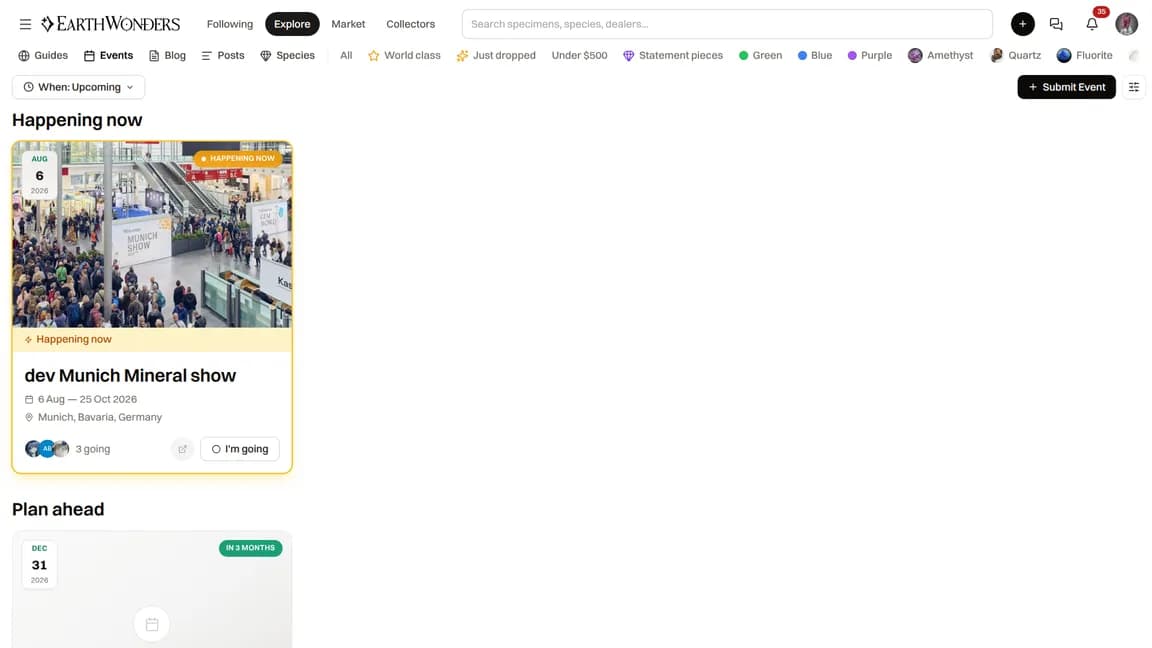
Browse Events for upcoming mineral shows, exhibitions, and gatherings, then open an event for its details. Browse Services to discover providers and open their listings to learn more.
Have an event or service to add? Follow Submitting Events & Services for the submission and review process.
The guides library
Open Guides to browse community-edited mineral species and locality guides. Search for a subject and open a guide to read it. This library is separate from the Help Center: it is about minerals and their localities, rather than using your account.
Want to improve a guide? See Contributing Edits & Wiki Guides for editing and version history.
Share a specimen or post
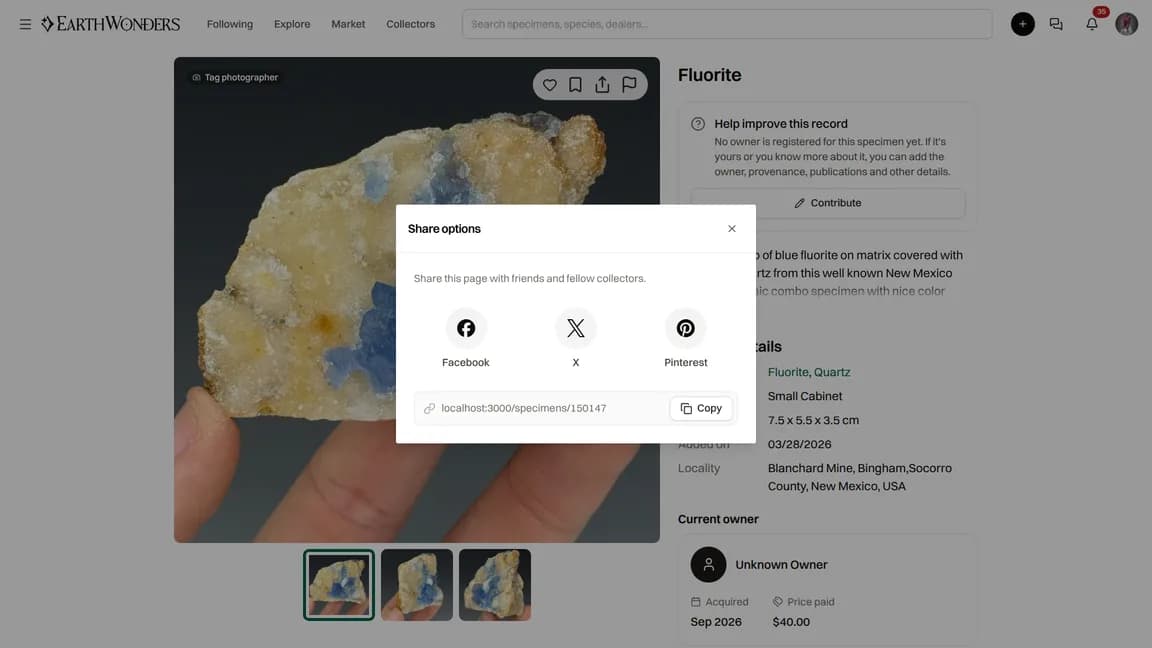
Open a specimen or post and click its share icon. Choose Facebook, X, or Pinterest to open that service's sharing page. Or click Copy beside the link and paste it into a message, email, or another app. Sharing does not change who can view the content.
Newsletter
Visit Newsletter to read the latest edition and earlier issues. To receive new issues, enter your Name and Email and click Subscribe. After a successful subscription, you reach a confirmation page that says the next issue will arrive in your inbox.
You do not need an EarthWonders account to subscribe. Newsletter subscriptions use a separate mailing service, not your account's notification preferences.
Common questions
Do I need an account to browse?
No. Species pages, Market data, the collectors map, events, services, community guides, and the newsletter archive are public. Sign in when you want to edit your profile or contribute.
How do I hide myself from the collectors map?
Open Edit Profile, clear the Location field, and wait for the change to save. This removes the coordinates used for your collector marker. There is no separate map opt-out switch.
Where do the market prices come from?
Market data uses dealer listings collected by EarthWonders and later marked sold. The recorded price is the dealer's listed price, not a confirmed transaction price. A species page's live price range instead comes from current public marketplace listings.